Tutorial
This tutorial demonstrates basic usage of httm.
Getting Started
Importing matplotlib
To start, we will import matplotlib and increase the figure size so
we can reasonably see artifacts in various FITS images we are going to
be looking at.
%matplotlib inline
%config InlineBackend.figure_format = 'png'
import matplotlib
matplotlib.rcParams['figure.figsize'] = (8, 8)
Viewing a RAW FITS File
Assume you have a file:
fits_data/raw_fits/single_ccd.fits
...containing an unmodified FITS full frame image.
To get started, open this file and extract a
httm.data_structures.raw_converter.SingleCCDRawConverter object.
This is done by calling
httm.fits_utilities.raw_fits.raw_converter_from_fits.
import httm
from httm.fits_utilities.raw_fits import raw_converter_from_fits

raw_data = raw_converter_from_fits('fits_data/raw_fits/single_ccd.fits')
Each raw image contains the data for a single CCD. It contains 4 slices if it was taken by the instrument, and either 1 or 4 if it was created synthetically.
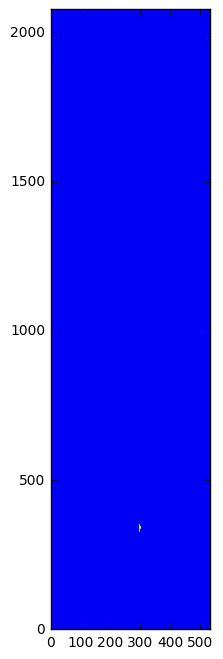
Below, we visualize the first slice of the image.
matplotlib.pyplot.imshow(raw_data.slices[0].pixels)
matplotlib.pyplot.gca().invert_yaxis()
Viewing an Electron Flux FITS Image
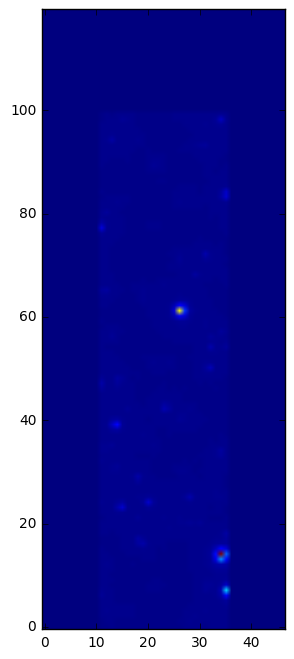
from httm.fits_utilities.electron_flux_fits import electron_flux_converter_from_fits

electron_flux_data = electron_flux_converter_from_fits('fits_data/electron_flux_fits/small_simulated_data.fits')
matplotlib.pyplot.imshow(electron_flux_data.slices[0].pixels)
matplotlib.pyplot.gca().invert_yaxis()